About Course
Master Steel Detailing with Advance Steel and Revit.
Practical BIM-to-Fabrication Workflow
Most engineers graduate knowing the theory. Almost none can produce a fabrication-ready steel drawing on day one.
This course bridges that gap. You’ll master steel detailing, shop drawing production, and BIM coordination using Revit and Advance Steel, the exact tools used on real projects.
Modern steel projects require more than just structural modeling. Today’s workflows involve BIM coordination, intelligent steel detailing, fabrication documentation, connection development, assembly generation, and project packaging for fabrication.
This training is designed to take you through that entire workflow using Autodesk Revit and Autodesk Advance Steel.
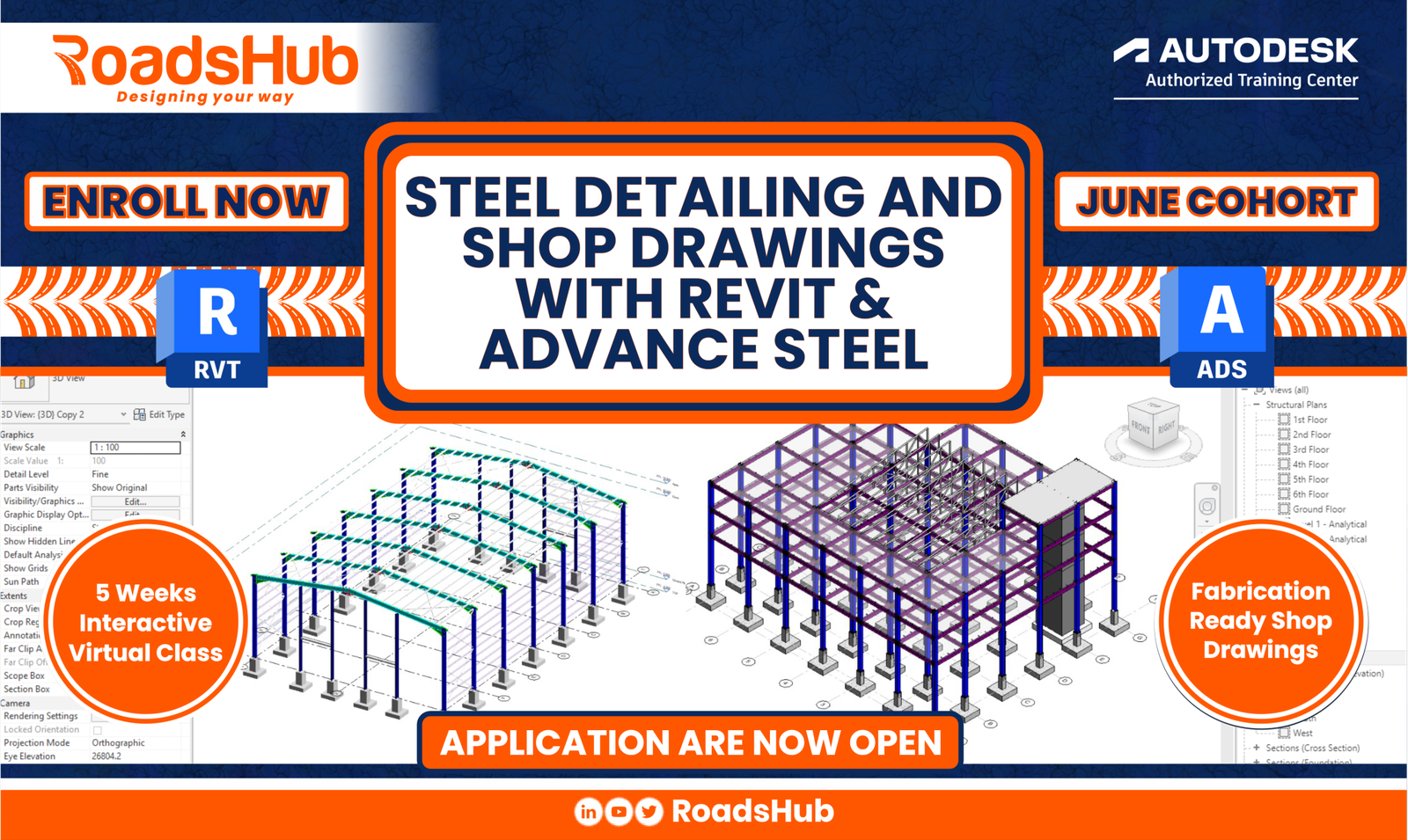
Over the next 5 weeks, you will work on two complete structural steel projects while learning how steel projects are modeled, detailed, coordinated, documented, and prepared for fabrication in real project environments.
You Know the Theory. But Can You Deliver?
University teaches you how to design steel structures. Nobody teaches you how to detail, document, and produce fabrication-ready drawings. Here’s what most engineers struggle with:
01 — Degrees Without Deliverables
You’ve studied structural design for years — but can’t produce a single fabrication drawing that a workshop can use.
02 — Lost on Real Projects
Design offices use Advance Steel, Tekla, and Revit. If you don’t know these tools, you’re dependent on others to interpret your own work.
03 — Detailing Blindspots
You design members confidently, but struggle with connection details, shop drawings, and the constructability questions fabricators ask.
04 — No Portfolio, No Proof
Employers want engineers who can hit the ground running. A certificate isn’t enough; they want to see real drawings, real models, real output.
05 — Theory-to-Site Gap
What happens between a structural design and steel being erected on site? Most graduates have no idea, and it shows in their work.
06 — Slow to Progress
Junior engineers who can’t self-deliver stay junior longer. Practical skills are what earn you responsibility and recognition.
From Theory to Real Project Delivery
This course doesn’t add to your theory — it closes the gap between what you know and what you can produce. By the end, you’ll have the skills to operate as a competent steel detailing professional.
BEFORE — Without This Course |
AFTER — With This Course |
| Knows structural analysis concepts | Builds full 3D steel models in Advance Steel & Revit |
| Can design a connection — can’t detail it | Produces complete connection detailing documentation |
| Hands drawings to a detailer and hopes | Reviews, checks & produces shop drawings independently |
| No practical portfolio to show employers | Portfolio of fabrication-ready project deliverables |
| Can’t read a fabrication drawing with confidence | Coordinates with fabricators and sites independently |
8 Skills That Make You Hireable
Every module is built around real project tasks — not slides and theory. You’ll leave with both the skills and the evidence that you have them.
|
01 |
3D Steel Modeling Build complete structural steel models using Advance Steel and Revit — members, connections, and full assemblies. |
|
02 |
Shop Drawing Production Generate professional single-part and assembly drawings that fabricators can use directly in the workshop. |
|
03 |
Connection Detailing Model and document bolted and welded connections with accurate detailing for fabrication and erection. |
|
04 |
Bill of Materials & MTO Extract accurate material take-offs and bills of material directly from your models — ready for procurement. |
|
05 |
BIM Coordination Work within multi-disciplinary BIM environments, linking structural models with architectural and MEP data. |
|
06 |
Fabrication Awareness Understand how design decisions affect fabrication, erection sequences, and site installation logistics. |
|
07 |
Drawing Standards & Checking Apply industry drawing standards, check shop drawings for errors, and review documentation like a senior engineer. |
|
08 |
A Practical Portfolio Walk away with real drawings, real models, and real documentation — a portfolio that demonstrates your capability. |
You will learn all of them in this course
What You’ll Work Through
Six structured modules, each building on the last — from foundational modeling through to complete fabrication documentation.
|
01 |
Introduction to Steel Detailing & Industry Workflow |
|
→ Overview of the structural steel value chain |
|
|
→ Design vs. detailing vs. fabrication — understanding each role |
|
|
→ How drawings flow from engineer to fabricator to site |
|
|
→ Introduction to drawing standards and conventions |
|
|
→ Setting up your Advance Steel / Revit environment |
02 |
3D Steel Modeling with Advance Steel & Revit |
|
→ Modeling beams, columns, braces, and plate elements |
|
|
→ Applying section profiles and material grades |
|
|
→ Building portal frames and multi-storey structures |
|
|
→ Structural grids and reference systems |
|
|
→ Model coordination between Revit and Advance Steel |
|
03 |
Connection Detailing & Modelling |
|
→ Bolted and welded connection types |
|
|
→ End plates, cleats, gusset plates, and base plates |
|
|
→ Automated connection tools in Advance Steel |
|
|
→ Modelling connections manually for custom details |
|
|
→ Checking connections for constructability |
|
04 |
Shop Drawing Production |
|
→ General arrangement (GA) drawings |
|
|
→ Assembly drawings and single-part drawings |
|
|
→ Erection drawings and member mark systems |
|
|
→ Drawing annotation, dimensions, and weld symbols |
|
|
→ Setting up drawing templates and title blocks |
|
05 |
Bill of Materials & Material Take-Off |
|
→ Extracting BOM directly from your 3D model |
|
|
→ Steel grades, finishes, and surface treatment notes |
|
|
→ Exporting to Excel for procurement |
|
|
→ Understanding material schedules and their use on site |
|
|
→ Quantity checking and audit of model data |
|
06 |
BIM Coordination & Project Delivery |
|
→ Coordinating structural models with architectural and MEP |
|
|
→ Clash detection basics |
|
|
→ IFC export and interoperability |
|
|
→ Managing drawing revisions and issue sheets |
|
|
→ Final project: complete steel documentation package |
Your Career Starts With What You Can Deliver |
The gap between a structural engineer who knows the theory and one who can produce fabrication-ready project documentation is enormous and entirely bridgeable.
Start today.
Enroll in the Course Today!Slots are limited to 50 only. |
Kick off: September 11, 2026
Course Content
Module I: Introduction to Steel Detailing & BIM Workflow
-
Course objectives and expected outcome
-
Understanding steel fabrication standards
-
Introduction to Revit and Advance Steel environments
-
Understanding BIM-to-fabrication workflows
-
Project setup, templates, levels, and grids
-
Overview of steel detailing deliverables
-
Project Milestone I
Module II: Structural Steel Modeling in Revit
Module III: Roof Systems, Trusses & Secondary Steel
Module IV: Steel Connections in Revit.
Module V: Documentation & Shop Drawings
Module VI: Steel Modeling in Advance Steel
Module VII: Intelligent Connections & Fabrication Workflows
Module VIII: Trusses, Stairs & Miscellaneous Steel
Module IX: Drawing Automation & Fabrication Deliverables
Module X: Final Project & BIM-to-Fabrication Delivery
Final Deliverables
BONUS MATERIALS
Student Ratings & Reviews