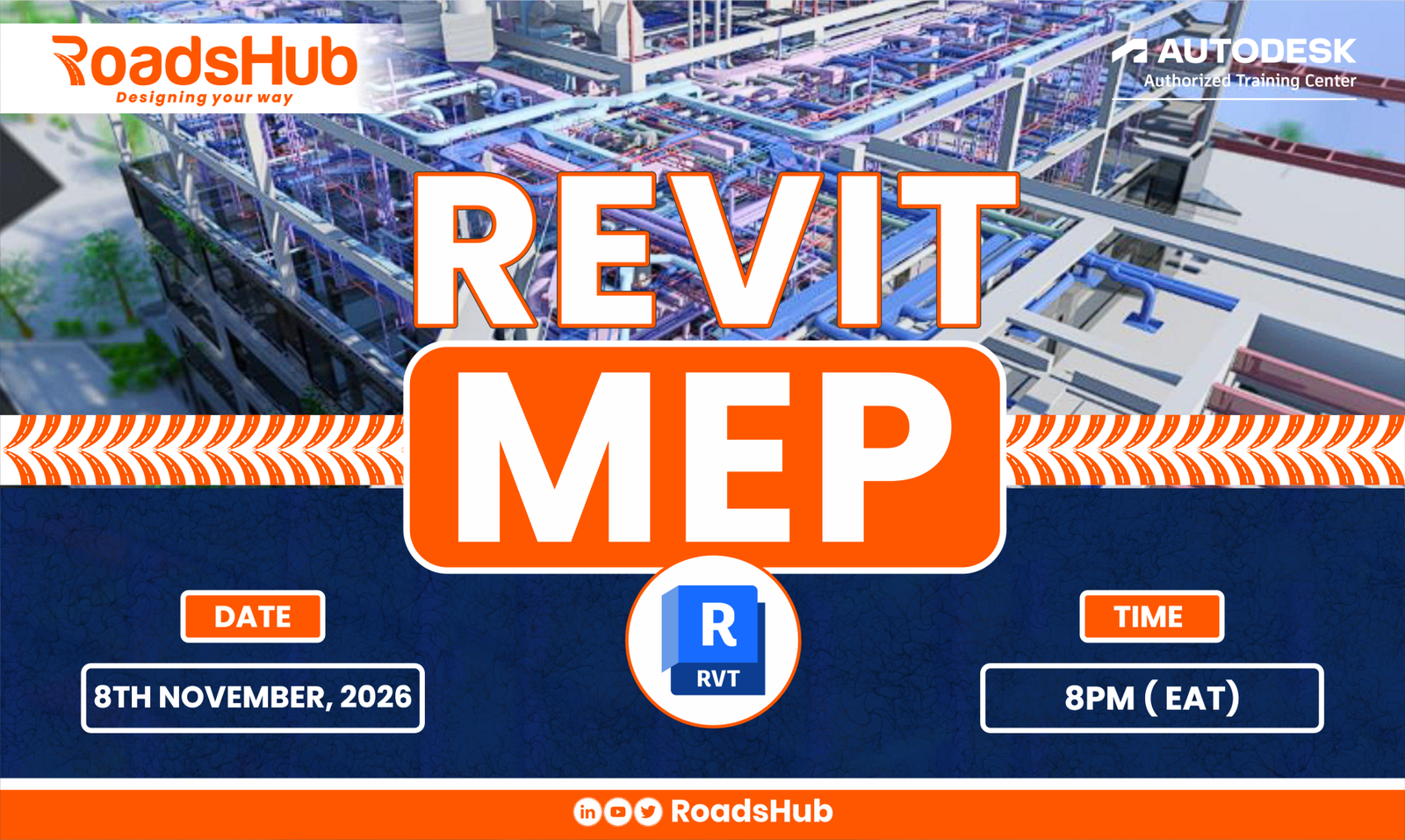
About Course
Still Designing MEP Systems in 2D? It’s Time to Move to BIM.
Advance from AutoCAD to Intelligent 3D MEP Modelling, Clash Detection & BIM Coordination.
In this training, you will learn how to model, coordinate, and document Mechanical, Electrical, and Plumbing (MEP) systems using Autodesk Revit — and develop the practical skills to deliver coordinated building services projects.
The Industry Is Moving Beyond 2D. Are Your Skills Keeping Up?
Traditional CAD drafting remains useful, but modern building projects increasingly demand intelligent 3D models, multidisciplinary coordination, and integrated BIM workflows.
It’s no longer just about producing drawings.
It’s about understanding how HVAC, plumbing, drainage, and electrical systems fit together within a building — and identifying design conflicts before they affect construction.
That’s where Revit MEP comes in.
With the right training, you can move from producing isolated 2D layouts to developing connected, information-rich models that support better collaboration, coordination, and project documentation.
Your Next Career Skill Starts Here.
Our Revit MEP Professional Training bridges the gap between traditional CAD drafting and practical BIM-based building services design.
3 Powerful Must-Have Skills for every MEP Specialist.
01 — Advance from AutoCAD to MEP BIM
Move beyond lines, layers, and disconnected 2D drawings.
Learn how to set up and develop intelligent MEP models that integrate with architectural and structural building models.
From drafting systems to modelling connected building services.
02 — Master Clash Detection & BIM Coordination
Discover how to identify clashes between mechanical, electrical, plumbing, architectural, and structural elements.
Learn to review system routing, identify spatial conflicts, and resolve common coordination issues before construction.
Detect conflicts earlier. Coordinate with confidence.
03 — Model Intelligent 3D MEP Systems
Develop detailed, information-rich models of HVAC systems, electrical installations, plumbing networks, and drainage systems.
Learn to work with intelligent components, connectors, parameters, and system relationships.
Design smarter. Model accurately. Deliver professionally.
Don’t Just Learn Revit. Learn to Deliver an MEP BIM Project.
This isn’t a course built around memorising software commands.
It’s a structured, practical training programme where you’ll progressively develop a coordinated building services project — from initial BIM setup to the final construction documentation.
Across five weeks, you’ll learn to:
-
Set up MEP projects using architectural and structural reference models.
-
Model HVAC equipment, ductwork, and mechanical piping.
-
Develop domestic water supply, sanitary, and rainwater drainage systems.
-
Create electrical layouts, circuits, cable trays, and conduits.
-
Identify and resolve clashes between building services.
-
Develop and modify intelligent MEP families.
-
Generate coordinated MEP drawings, schedules, and sheets.
-
Complete and present an integrated MEP BIM project.
The result?
A practical understanding of how to take a building model, develop its core MEP systems, coordinate them across disciplines, and produce professional documentation.
What You’ll Master in Just 5 Weeks
WEEK 1: BIM Fundamentals & Project Setup
Build the Foundation for Professional MEP Modelling.
Understand the Revit MEP environment, link architectural and structural models, configure project settings, and organise MEP views, spaces, and systems.
Your outcome: A properly structured MEP project ready for building services design.
WEEK 2: Mechanical & HVAC Systems
Bring Mechanical Systems to Life in 3D.
Model HVAC equipment, air terminals, ductwork, mechanical piping, and connected air distribution systems. Explore system routing, airflow requirements, and basic sizing workflows.
Your outcome: A developed HVAC model with connected equipment and systems.
WEEK 3: Plumbing & Drainage Systems
Develop Intelligent Water & Drainage Networks.
Create hot and cold water supply systems, sanitary drainage, waste piping, and rainwater drainage networks using Revit’s piping tools.
Your outcome: Coordinated plumbing and drainage models for a typical building.
WEEK 4: Electrical Systems & Clash Coordination
Design Electrical Systems. Coordinate Every Discipline.
Model lighting and power layouts, circuits, distribution panels, cable trays, and conduits.
Then bring your building services together to identify clashes, review routing conflicts, and improve multidisciplinary coordination.
Your outcome: Electrical models integrated with coordinated mechanical, plumbing, architectural, and structural elements.
WEEK 5: MEP Documentation & Final Project
Turn Your BIM Skills into Professional Deliverables.
Work with MEP families and parameters, create drawing views, generate schedules, prepare sheets, and export project documentation.
Complete and present your coordinated building MEP project.
Your outcome: A complete, reviewed MEP model supported by professional documentation suitable for showcasing your skills.
Who Is This Training For?
If You Work with Building Services, this Course Is for You.
Mechanical & HVAC Engineers
Build practical capabilities in HVAC modelling, ductwork systems, mechanical piping, and coordinated system design.
Electrical Engineers & Designers
Learn intelligent electrical layouts, circuits, panels, distribution systems, cable trays, and conduits.
Plumbing & Public Health Engineers
Develop 3D domestic water supply, sanitary drainage, and rainwater systems.
AutoCAD Users & CAD Technicians
Take the next step from 2D CAD drafting into modern, intelligent MEP BIM workflows.
BIM Modellers & Coordinators
Strengthen your modelling, multidisciplinary coordination, clash identification, and documentation capabilities.
Engineering Students & Recent Graduates
Build practical building services modelling skills and develop a project you can showcase in your portfolio.
New to Revit? You can start here. The programme begins with the fundamentals and progressively builds towards complete MEP BIM project delivery.
Learning Resources & Experience
Practical Learning Built Around Real Project Workflows.
We believe the best way to learn BIM is to apply it.
That’s why this course follows a practical, project-based approach designed to help you develop skills progressively.
Your training experience includes:
-
Guided Revit MEP learning: Build your knowledge from project setup to advanced multidisciplinary modelling workflows.
-
Hands-on modelling exercises: Apply the concepts across mechanical, electrical, plumbing, and drainage systems.
-
Building reference models: Work with architectural and structural models to establish realistic coordination workflows.
-
Integrated course project: Progressively develop one complete MEP building project throughout the training.
-
Clash identification exercises: Practise reviewing models and resolving spatial coordination issues.
-
Professional documentation workflows: Create MEP plans, sections, schedules, sheets, and digital project outputs.
-
Final project presentation: Consolidate your learning by reviewing and presenting a coordinated MEP building model.
Learn It >>Apply It>>Demonstrate It.
Why Choose RoadsHub?
Train with an Autodesk Authorized Training Center.
At RoadsHub, we help learners develop practical skills that connect digital design tools with professional engineering workflows.
Our Revit MEP Professional Training combines:
- Practical, project-based learning — Apply what you learn throughout an integrated building project.
- Comprehensive MEP coverage — Develop modelling skills across mechanical, electrical, and plumbing systems.
- Multidisciplinary BIM coordination — Understand how building services interact with architectural and structural designs.
- Professional documentation — Learn to produce coordinated drawings, schedules, and sheets.
- Portfolio-focused final project — Complete a coordinated MEP model that demonstrates your growing BIM capabilities.
Frequently Asked Questions
Do I need to have Revit Software installed?
No. We provide a Genuine Revit 2027 license to all the trainees. We also assist with installation on your computer.
Do I need to know Revit before joining?
No previous Revit experience is required. The training is designed for new and transitioning users and starts with the fundamentals.
I’m already using AutoCAD. Is this course suitable for me?
Absolutely. The programme is especially relevant if you want to transition from traditional 2D CAD workflows to intelligent, model-based MEP design.
Will I learn all three MEP disciplines?
Yes. Training covers mechanical/HVAC, electrical, and plumbing systems, including drainage and multidisciplinary coordination.
Does the training include clash detection?
Yes. You’ll learn to identify clashes and routing conflicts using Revit coordination views and model review workflows.
Is this a hands-on course?
Yes. You’ll progressively develop a coordinated building services project, applying the skills covered throughout the programme.
Will I have a completed project after the training?
The programme culminates in a final MEP building project, including system review, clash resolution, documentation, and project presentation.
Your Next Level in MEP Design Starts on 8th November 2026.
From AutoCAD Drafter to Confident MEP BIM Modeller.
Imagine developing intelligent 3D MEP models, coordinating mechanical, electrical, and plumbing systems, identifying design clashes, and producing professional project documentation.
Those are the practical capabilities this programme is designed to help you build.
REVIT MEP PROFESSIONAL TRAINING
Starts: 8th November 2026
Duration: 5 Weeks | 15 Sessions
Investment: $100
Ready to Take the Next Step?
REGISTER NOW — JOIN THE NOVEMBER INTAKE
Kick-off: November 8, 2026
Book your slot today
Course Content
MEP BIM FUNDAMENTALS & PROJECT SETUP
-
Understanding BIM Principles and methodology
-
Revit MEP interface and navigation
-
MEP Terminologies
-
Families, systems and connectors
-
Understanding the BIM workflows
-
Project structure and model organization
-
Introduction to the training building project
Starting an MEP Project in Revit MEP
Spaces, Systems & MEP Analysis
HVAC Systems Design and Setup
HVAC Systems Ductwork Modelling and Sizing
Mechanical Piping
Design and Modeling of Plumbing and Water Supply systems
Design and Modeling of Sanitary and Drainage Systems
RainWater Drainage System
Electrical Distribution & Containment Part 1
Electrical Distribution & Containment Part 2
Multi Disciplinary MEP Coordination and Clash detection
MEP Families & Components
MEP Documentation & Deliverables
Final Capstone Project & Project Review
Student Ratings & Reviews